Personal project · 2025
Laèlle - E-Commerce Clothing Store
A multi-collection online clothing store with a persistent shopping cart, product filtering, and search across the full catalogue.
Overview
Laèlle is a front-end e-commerce store for a clothing brand, built to work through the parts of a real shopping experience: browsing collections, narrowing products down, adding to a basket, and having that basket still be there when you come back.
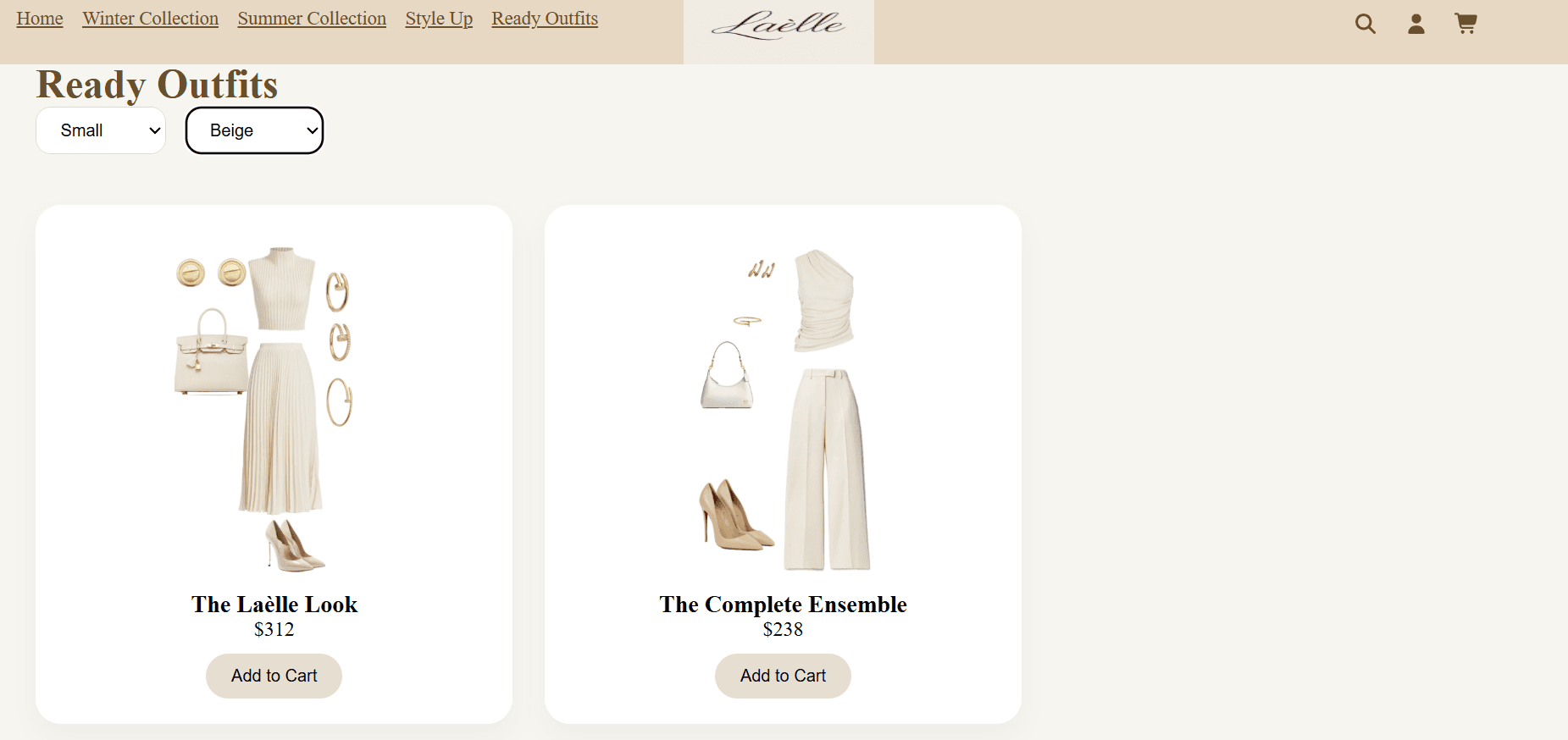
The catalogue is organised into four collections - Winter and Summer, each split into tops and bottoms, Style Up for bags, belts and sunglasses, and Ready Outfits - with a shared cart and a search that spans everything.
I built it to get properly comfortable with state that outlives a single component. A cart is the clearest case of that: it is touched from every product page, it has to survive navigation, and it has to survive a refresh.
Features
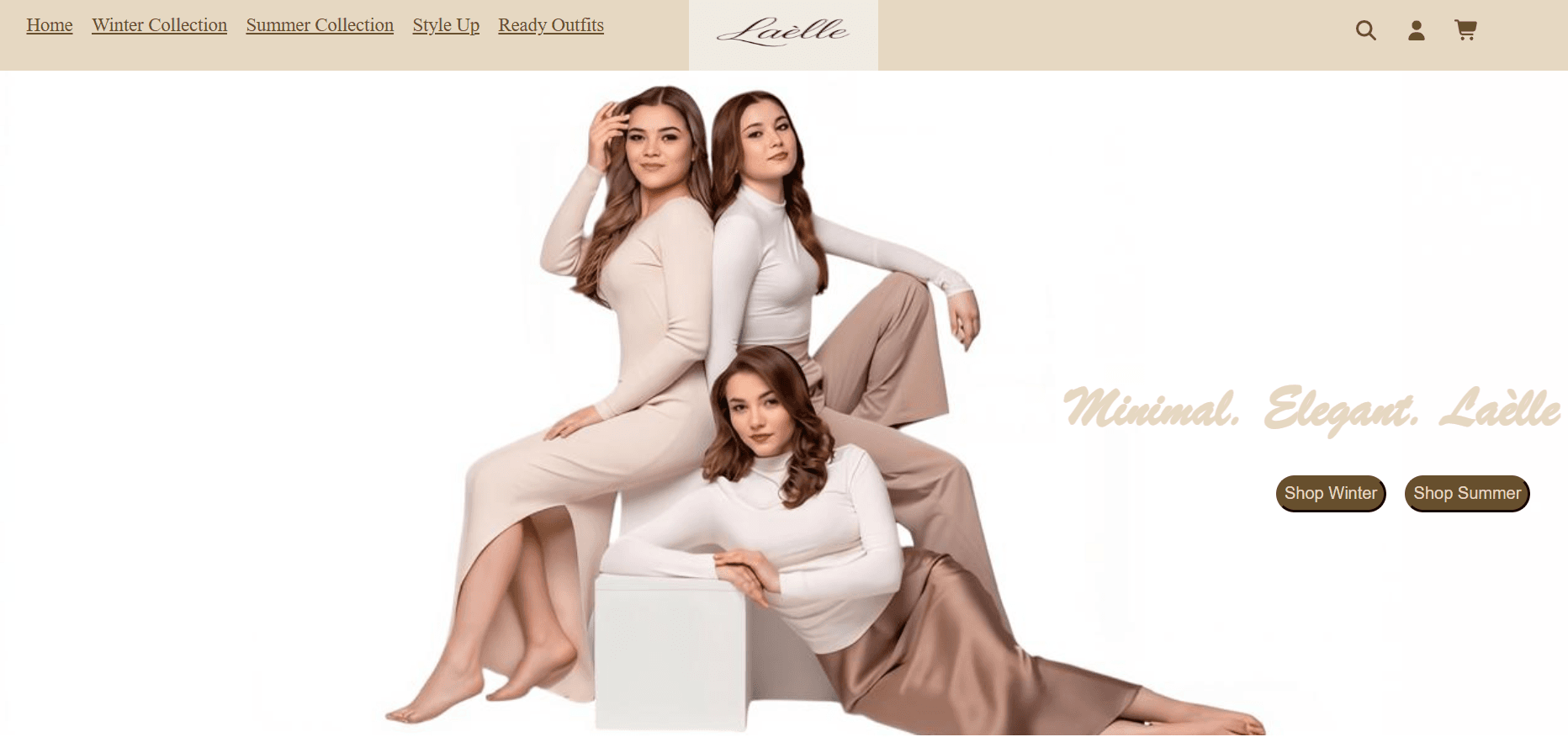
Homepage and navigation
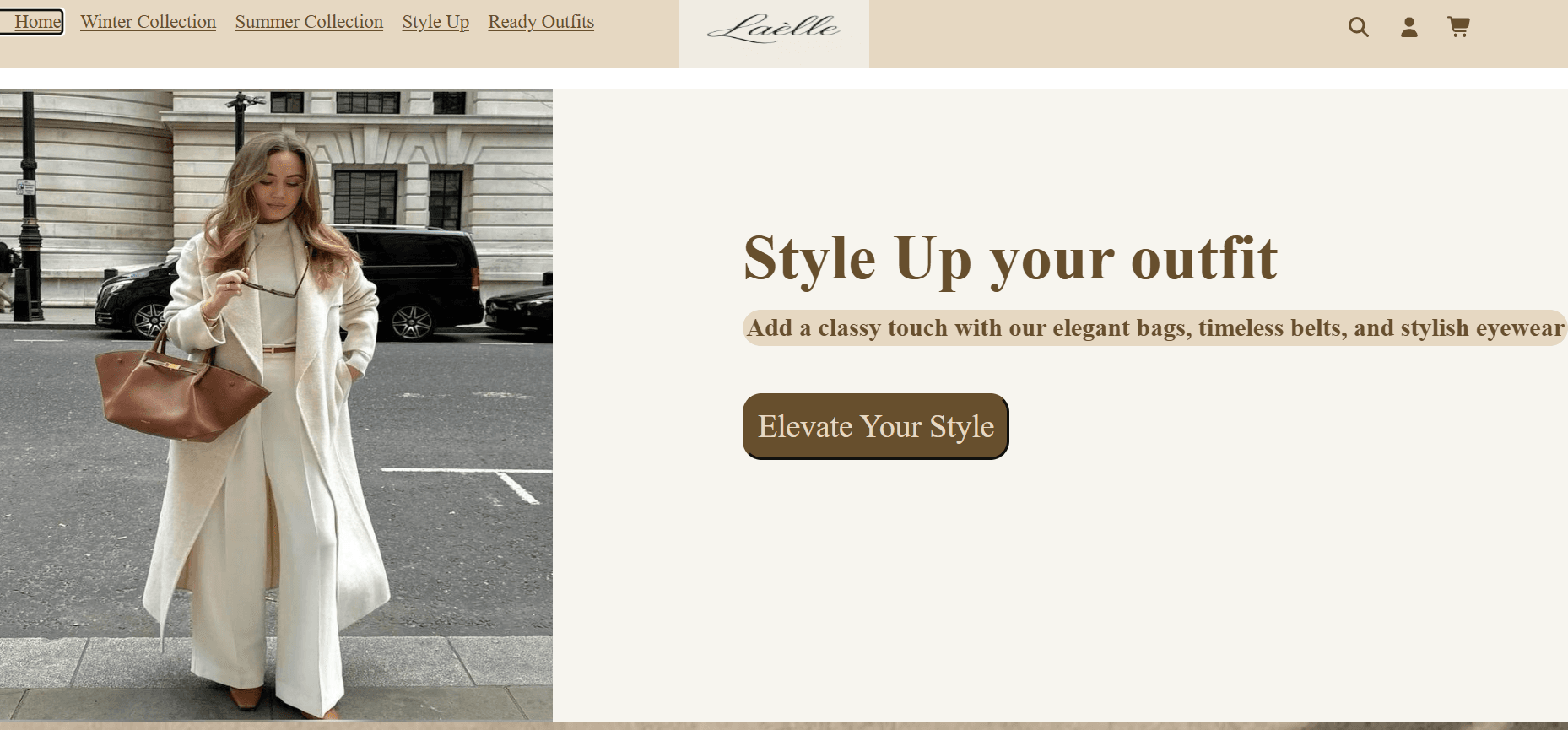
The store opens on a homepage with a persistent navigation bar carrying the four collections alongside search, account and cart icons, so every part of the shop is one click away from wherever the user is.
Login and account
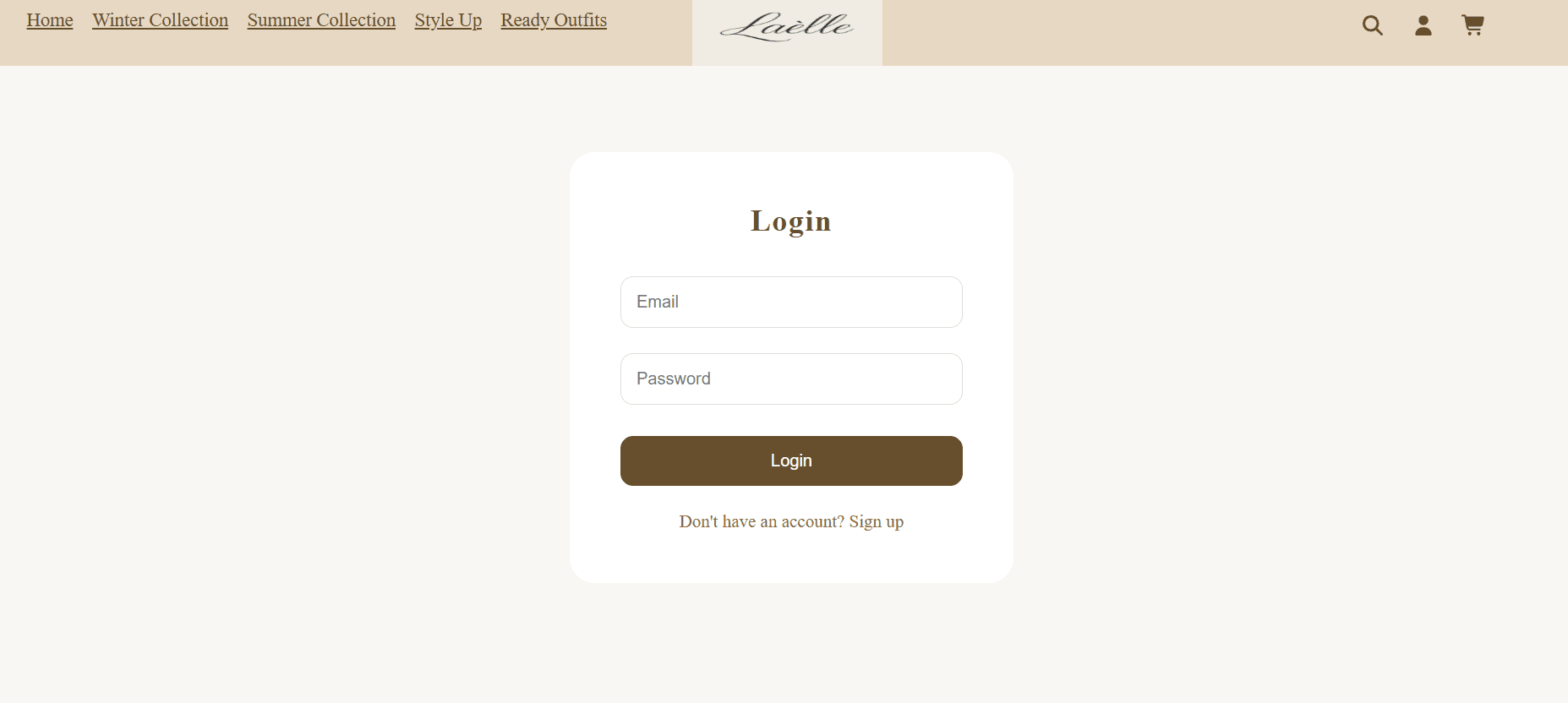
An account page handles both signing in and creating an account, toggling between the two states from a single component rather than duplicating the form across two pages.
Search across the catalogue
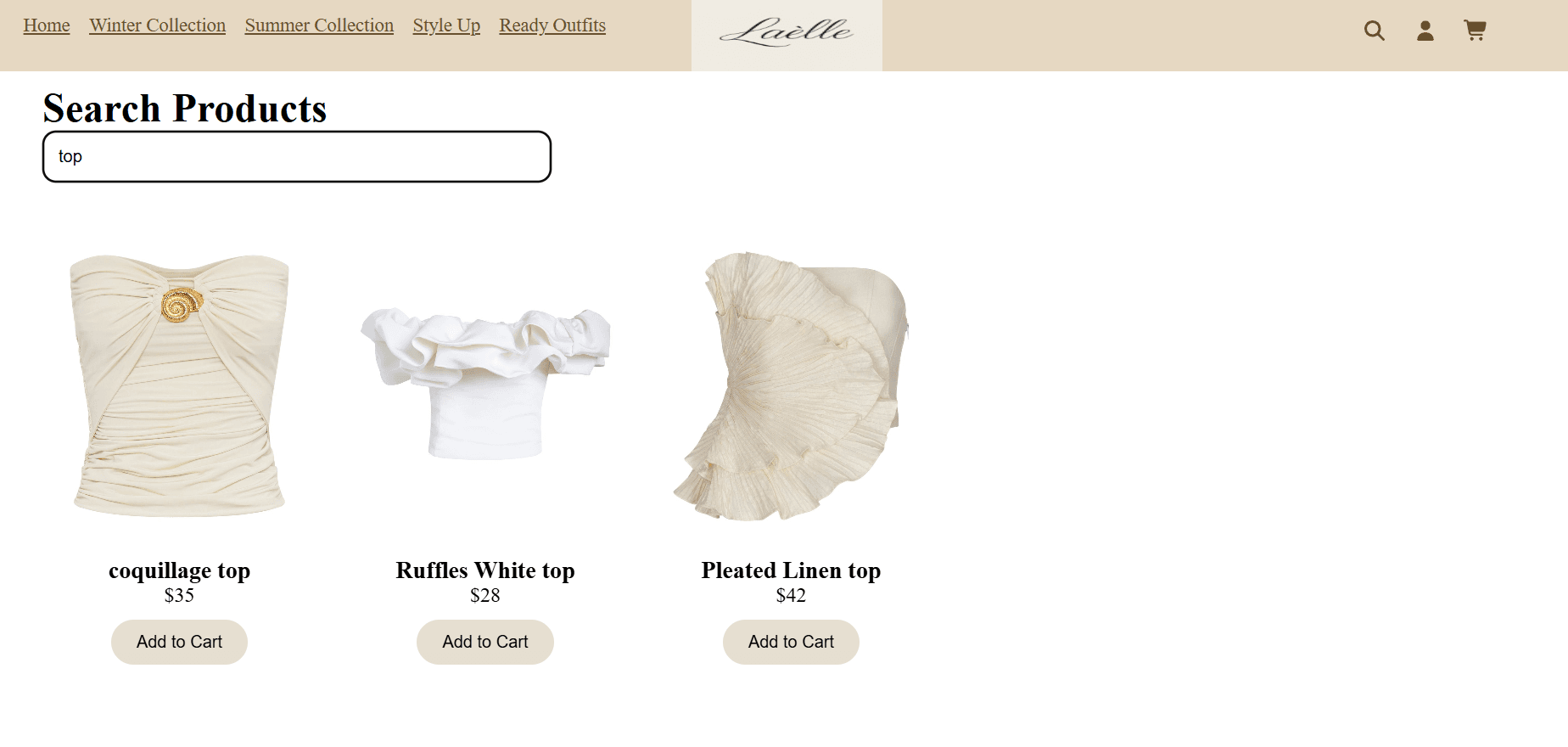
A single search page queries every collection at once by spreading all product arrays into one list. The match logic splits both the query and each product name into words and requires every search word to be present, so "white top" matches regardless of the order the words are typed in.
Winter collection
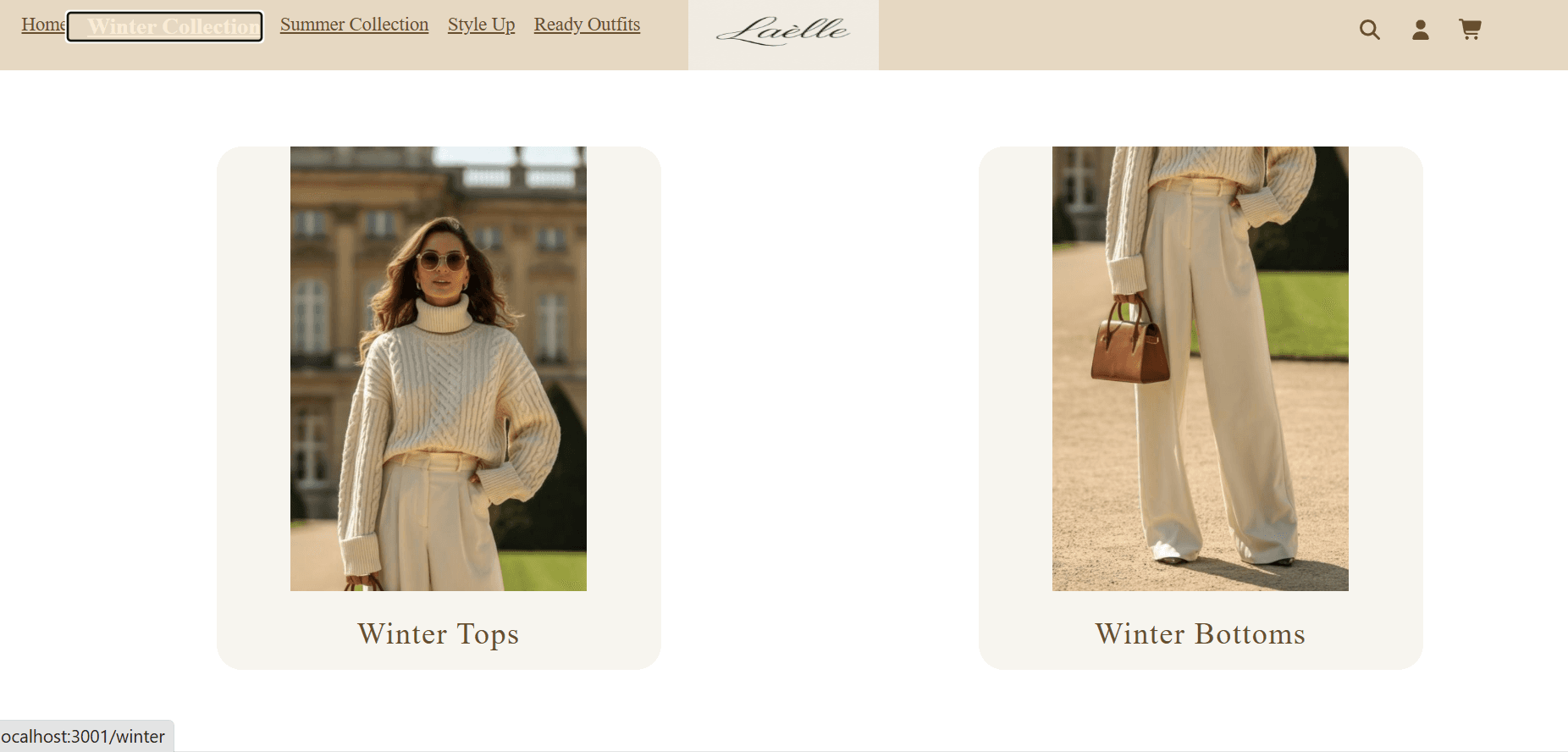
Each collection has its own route, with nested routes for sub-categories such as tops and bottoms, so a shopper can move from a collection down to a specific category without losing their place.
Filtering by size and colour
Category pages filter live by size and colour, composed so the two filters narrow results together rather than one replacing the other. Any product in the filtered results can be added to the cart directly from the grid.
Style Up accessories
A separate section for finishing an outfit — bags, belts and sunglasses — each with its own sub-route, so accessories are browsable in their own right rather than buried inside a clothing collection.
Footer and brand details
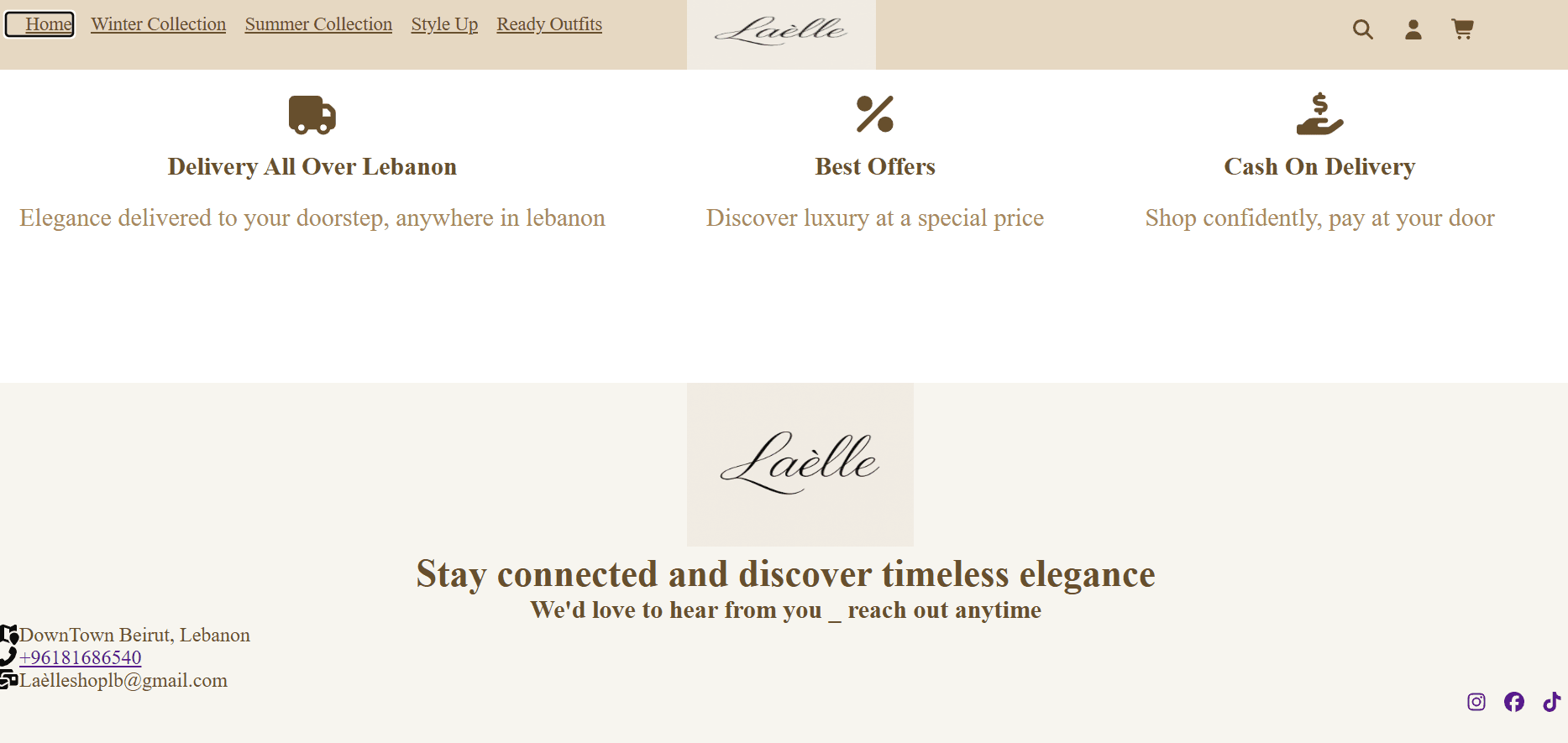
The footer carries the brand identity along with location, phone, email and social links, so the store's contact details are available from every page.
Shopping basket
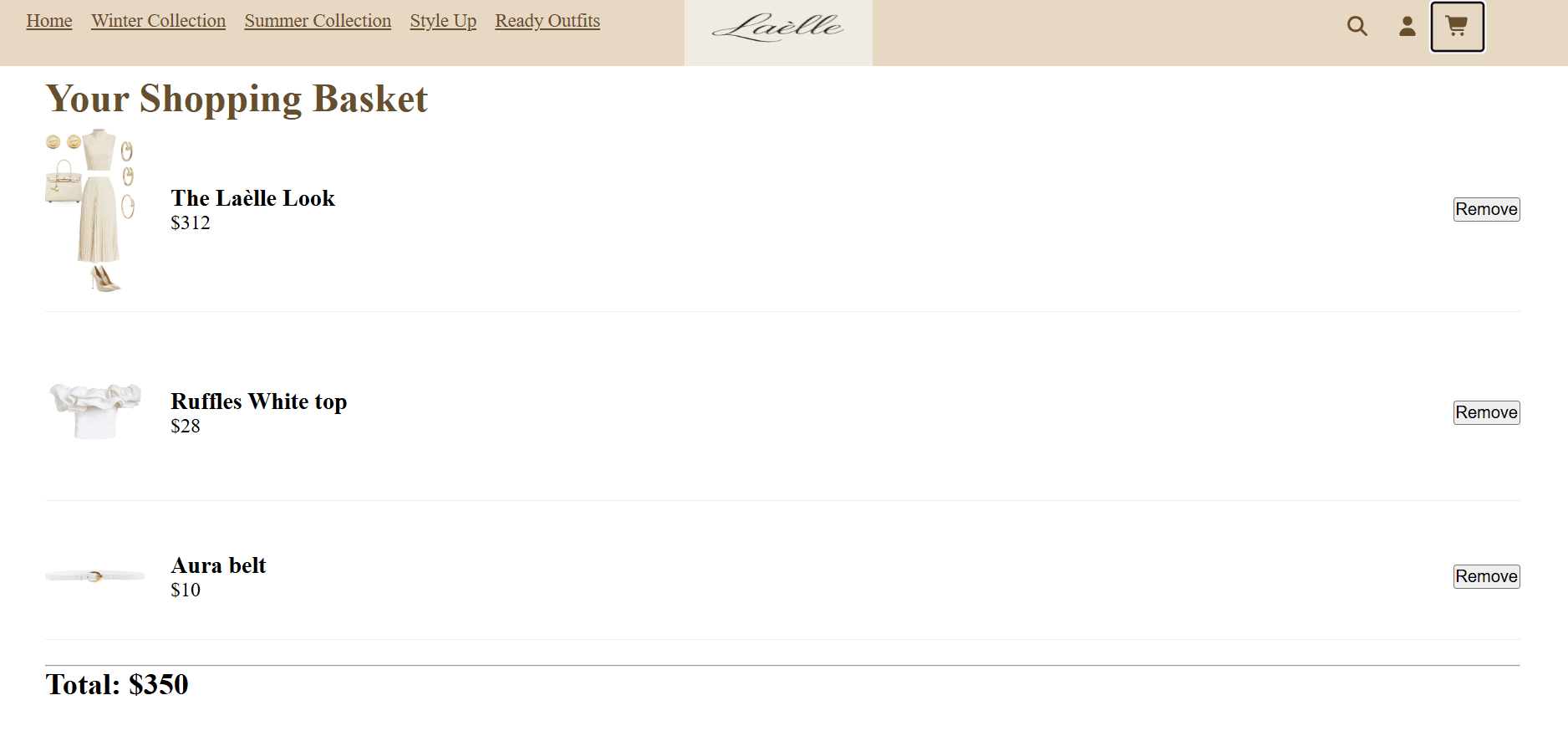
The basket lists every added item with its image, name and price, a remove button per line, and a running total across everything in it. Cart state lives in a React Context provider wrapping the whole app, so any product page can add to it without prop drilling — and it is written to localStorage on every change, so a basket survives a refresh or a closed tab.
How it works
- React with React Router for client-side routing, including nested routes for collection sub-categories.
- Global cart state via the Context API, provided at the app root and consumed with useContext wherever products appear.
- The product catalogue held in plain JavaScript data modules, one per collection, imported directly by the pages that need them.
- localStorage for cart persistence, synced through a useEffect that writes on every cart change.
- Component-scoped CSS files, with FontAwesome for icons.
Challenges
Duplicate product IDs breaking cart removal
Removing one item from the cart sometimes removed a second, unrelated item. The cause was in the data rather than the cart logic: each collection's data file numbered its products from 1, so a winter top and a summer top could both carry id 1. Since removal filtered the cart by id, it matched every item sharing that number. The fix was to make IDs unique across the whole catalogue rather than unique within a file - a good reminder that an identifier is only an identifier relative to the set it lives in.
Making search behave the way people actually type
A naive substring search fails as soon as someone types words in a different order to the product name. Splitting both the query and the product name into words, then requiring every query word to appear, made the search tolerant of word order without pulling in a search library for a catalogue this size.